Navigate GitHub without fighting the page.
Actions Lens adds a keyboard-first command palette to GitHub. Press Ctrl/Cmd + / to jump between repo tabs, filter workflow runs, search long job names, and reach annotations — no hunting through nested menus or expanded sidebars.
For engineers who live in GitHub Actions and want fewer clicks. Runs only on GitHub — no data collected, transmitted, or sold.
The whole flow in under a minute.
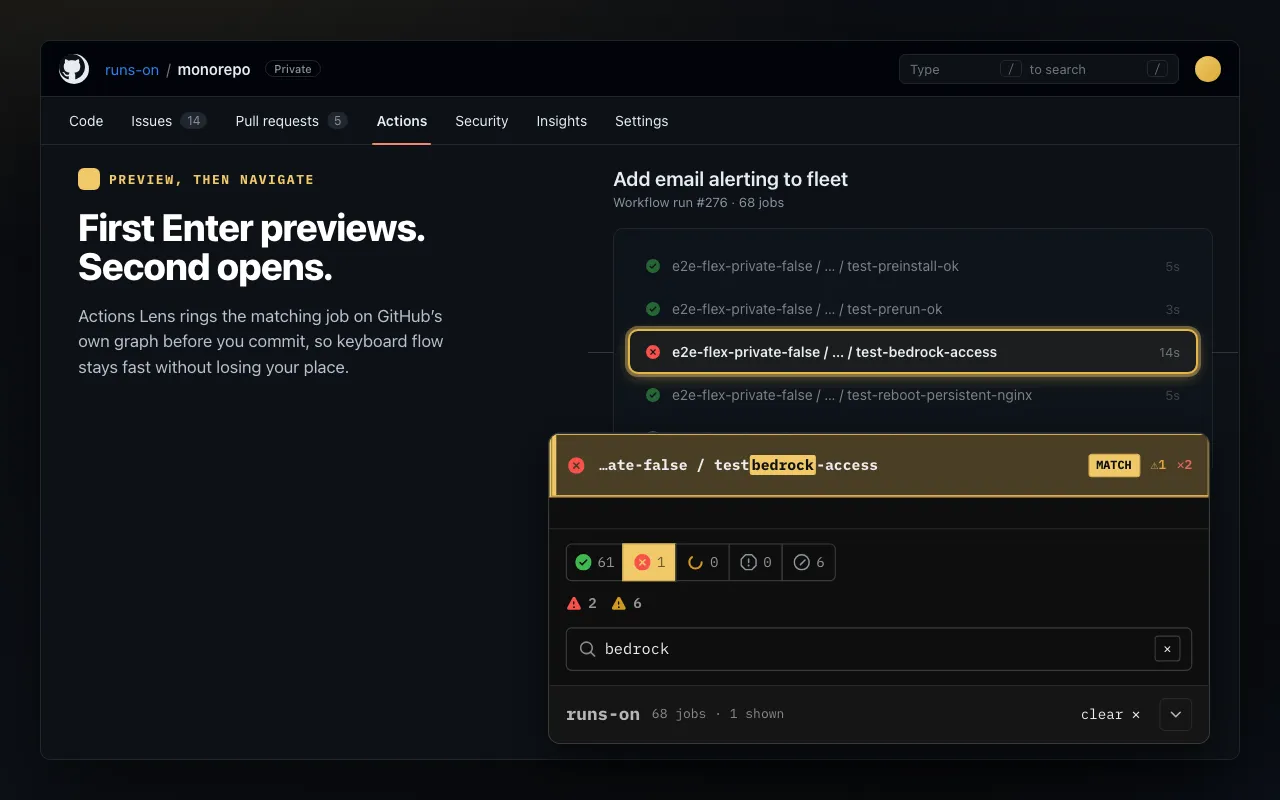
Open the lens, filter a noisy run, search a job, preview it in GitHub's graph, then jump back up — all from the keyboard.
One panel for the GitHub paths that take too many clicks.
Repository navigation everywhere, plus a focused inspector on Actions pages. The same panel, the same keys — wherever you are in GitHub.
Install it like any Chrome extension.
Actions Lens is a browser-side helper. It never touches your workflows, runners, or repository settings, and reads only the page you are already looking at — nothing leaves your browser.
open chrome web store →-
Install from Chrome Web Store
Add Actions Lens to Chrome. It runs only on GitHub repository pages.
-
Open a GitHub repository
Use the repo menu everywhere, then get richer controls on Actions pages.
-
Press Ctrl/Cmd + /
The lens opens in keyboard mode with the first useful row selected.
Built to stay under your fingers.
Repository pages get immediate navigation shortcuts. Actions pages add status filters, previews, search, and parent-page navigation.
Repository navigation first. Actions inspection when you need it.
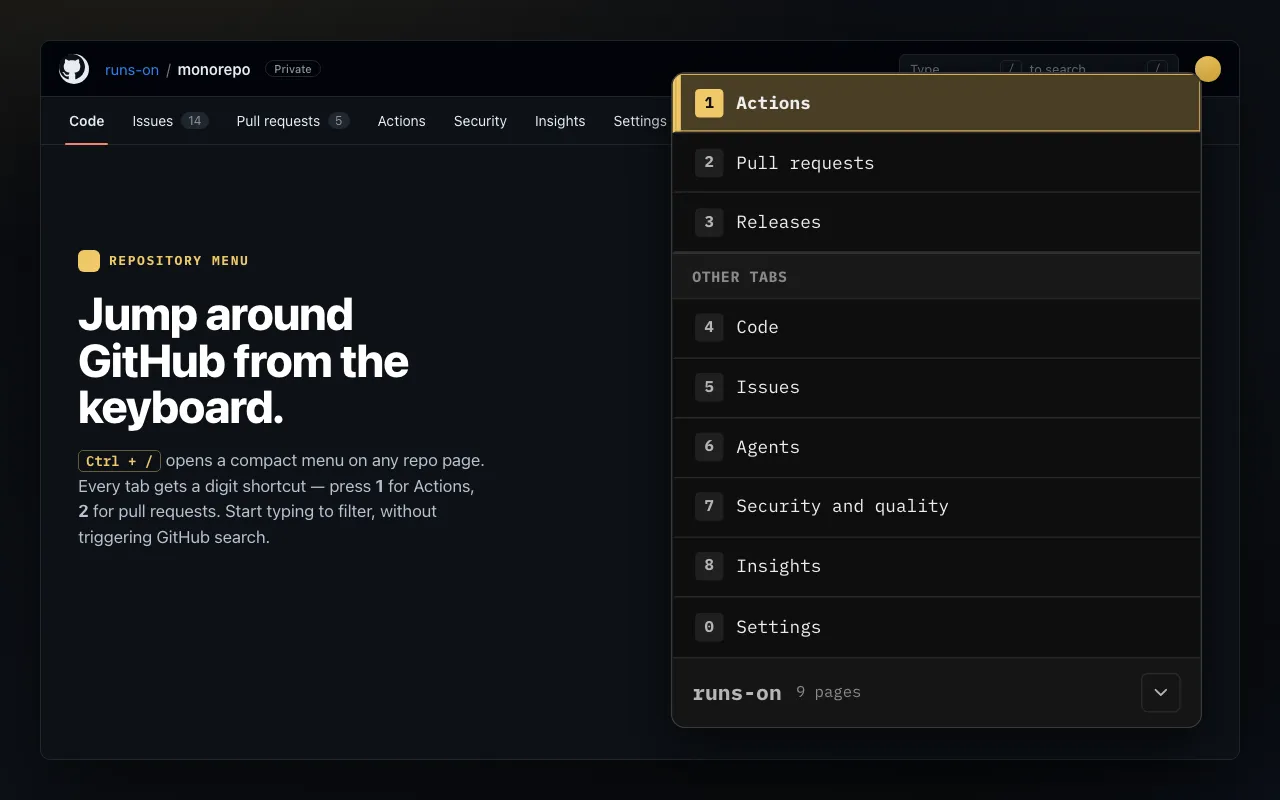
Press Ctrl/Cmd + /, type to filter tabs, or use numbers to open Actions, PRs, Releases, Code, Security, and Settings.
Search workflow names and jump to the workflow page.
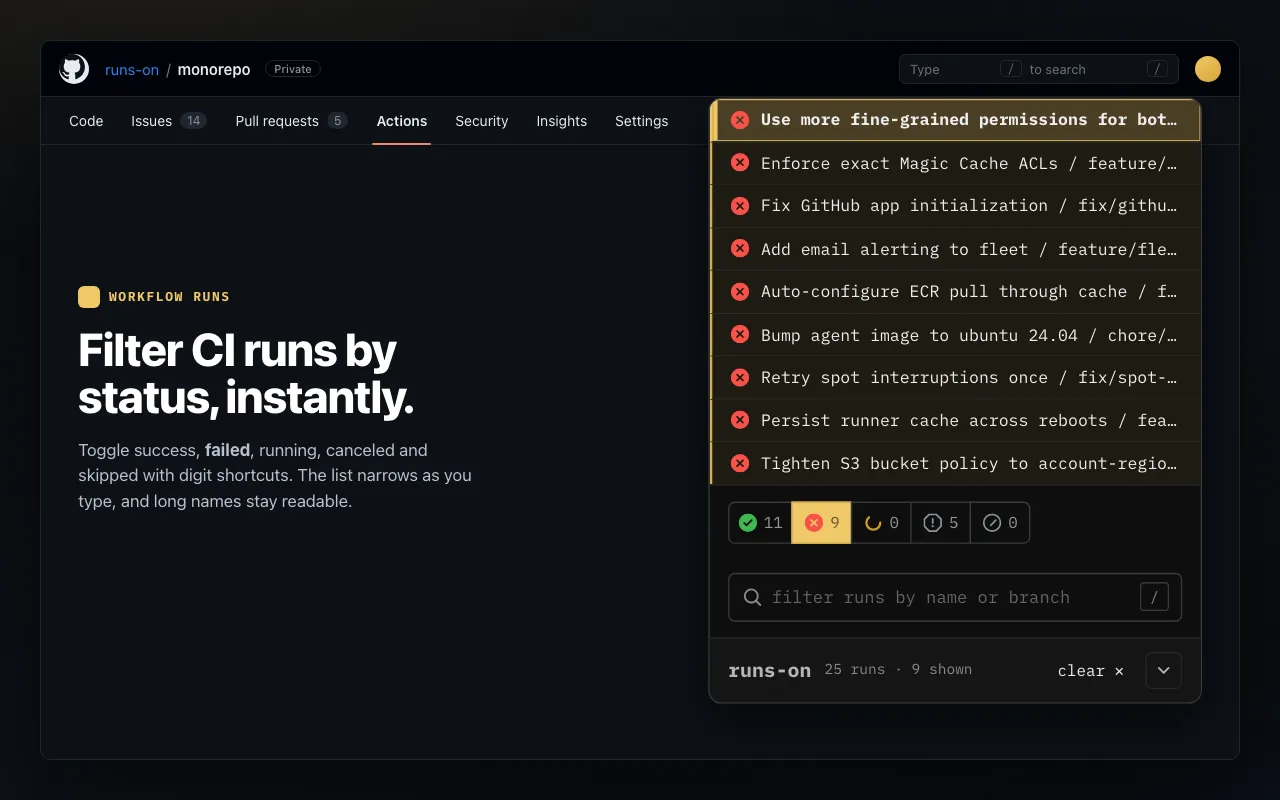
Filter runs by status and fuzzy-search by run title or branch.
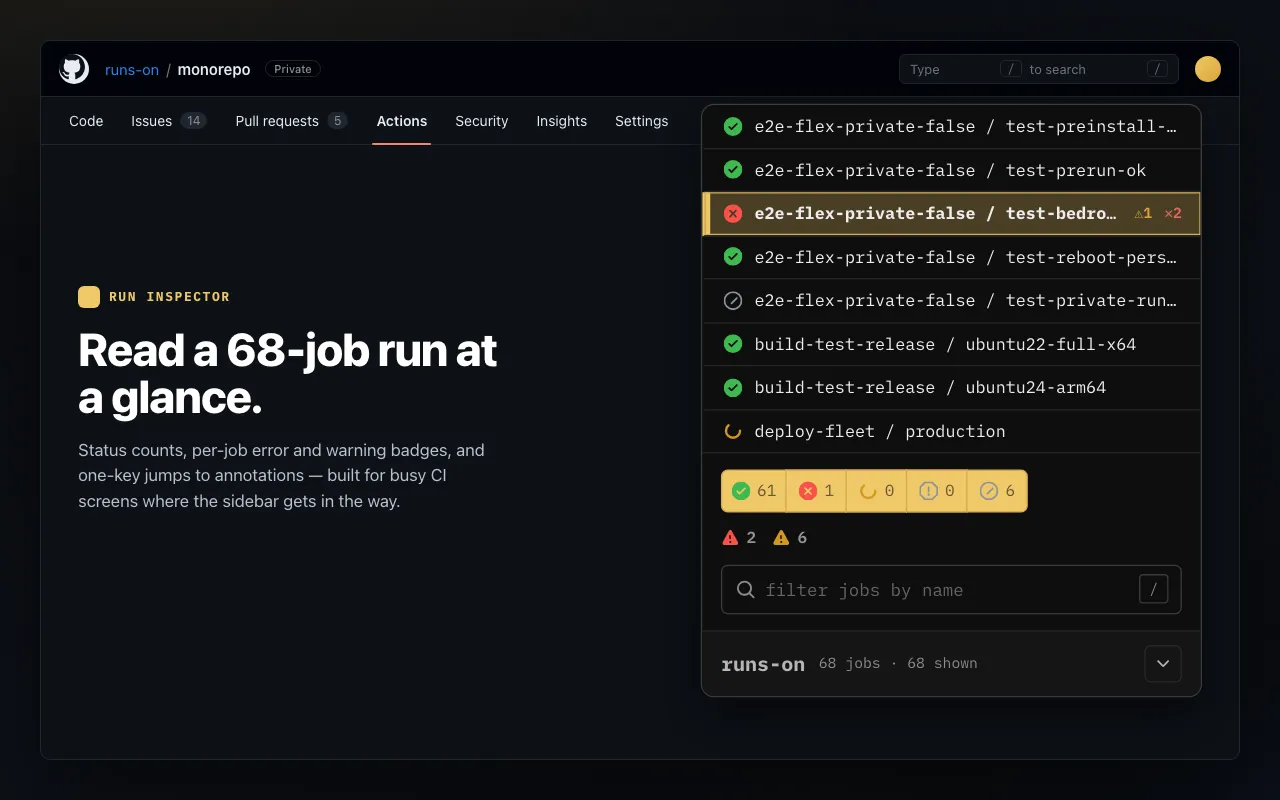
Find jobs, failed annotations, warnings, and sidebar rows without hunting through GitHub's UI.
Make GitHub faster to navigate.
Install Actions Lens, open a busy repository or Actions page, and press Ctrl/Cmd + /.