Alerts
Receive job errors and monitoring alarms with RunsOn
GitHub doesn’t offer a way for self-hosted runners to expose underlying errors in a structured way.
That’s why RunsOn automatically reports errors by sending them to the email configured at installation time (EmailAddress CloudFormation parameter).
Slack notifications
Section titled “Slack notifications”In addition to email alerts, you can also send alerts to Slack by configuring the AlertTopicSlackWebhookUrl CloudFormation parameter with a Slack incoming webhook URL.
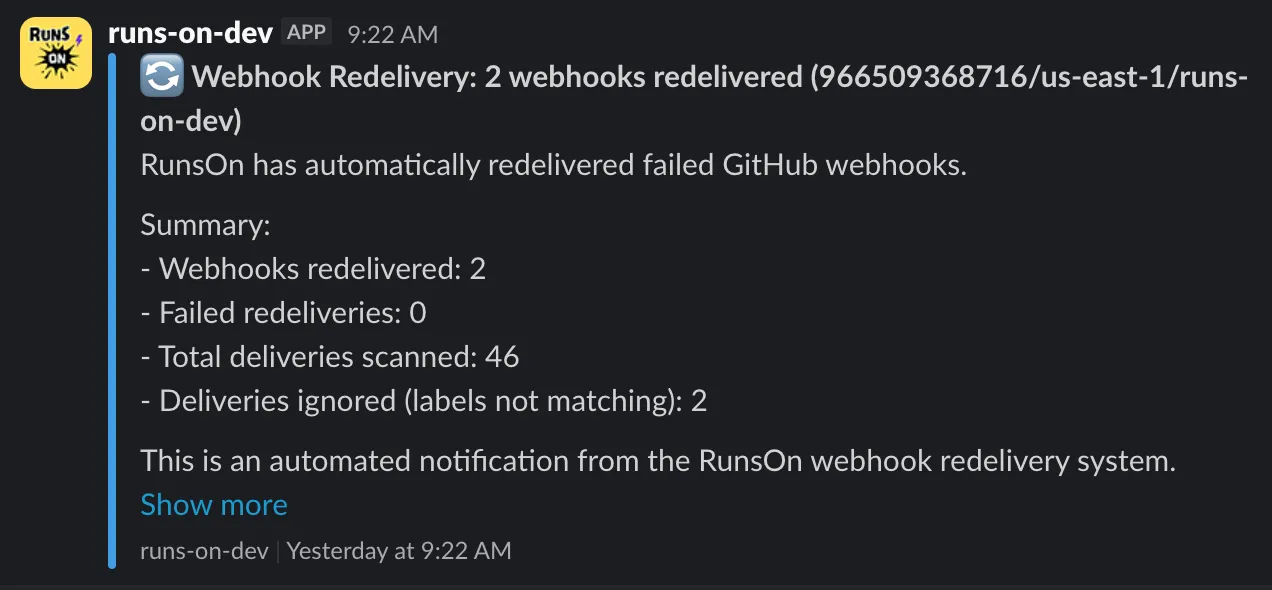
Both email and Slack notifications can be enabled simultaneously, allowing you to receive alerts through multiple channels.
Email notifications
Section titled “Email notifications”In case lots of errors occur in a short time, errors will be batched in a single email:
For more advanced troubleshooting, you can also look at the troubleshooting guide.
SNS alert topic subscription
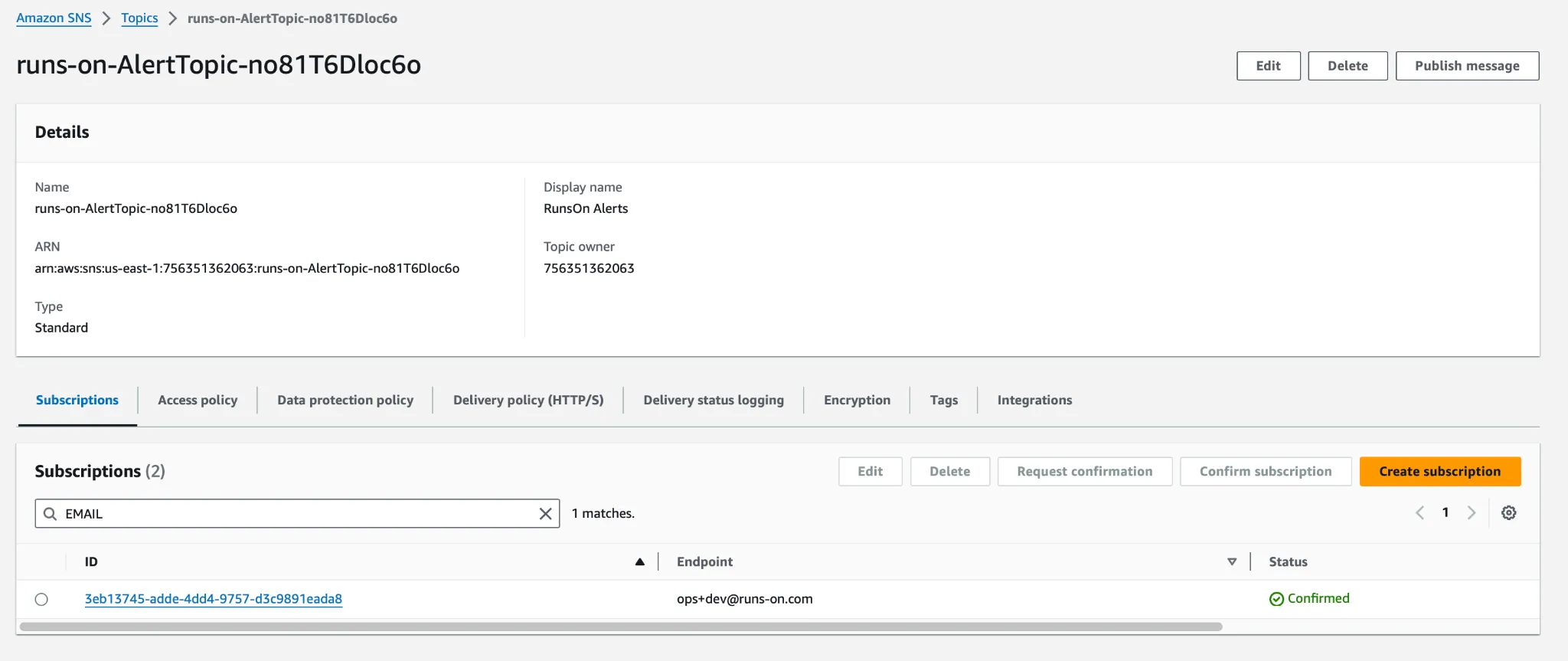
Section titled “SNS alert topic subscription”The alerts are only received if you have confirmed the subscription to the SNS topic that was sent at installation time. If you don’t receive any alerts or cost reports, this probably means that you forgot to confirm the subscription.
You can re-subscribe by going to the RunsOn SNS alert topic, and click on “Create subscription”: