Email and Slack alerts
When RunsOn pages you by email or Slack — and why most errors no longer do
What gets alerted#
RunsOn now surfaces job errors directly on the GitHub workflow run: when a launch fails, it registers a short-lived error-runner that reports the underlying reason on the job itself, where you’ll actually see it. Because of that, RunsOn no longer pages you for every transient job error.
Email and Slack alerts are reserved for the two situations that can’t be surfaced on the run:
- Truly unschedulable jobs — a job RunsOn could not launch a runner for, and whose failure could not be reported back on the workflow run (for example a GitHub auth / JIT registration outage, or exhausted spot/on-demand capacity). These are the only job errors that reach you out-of-band.
- License issues — an invalid or expired RunsOn license.
Everything else (ordinary launch failures, config mistakes, runner-side errors) shows up on the workflow run, not in your inbox.
Email notifications#
Alerts are sent to the address configured at installation time (EmailAddress CloudFormation parameter). When several unschedulable jobs occur in a short window, they’re batched into a single email rather than one message per job:
Slack notifications#
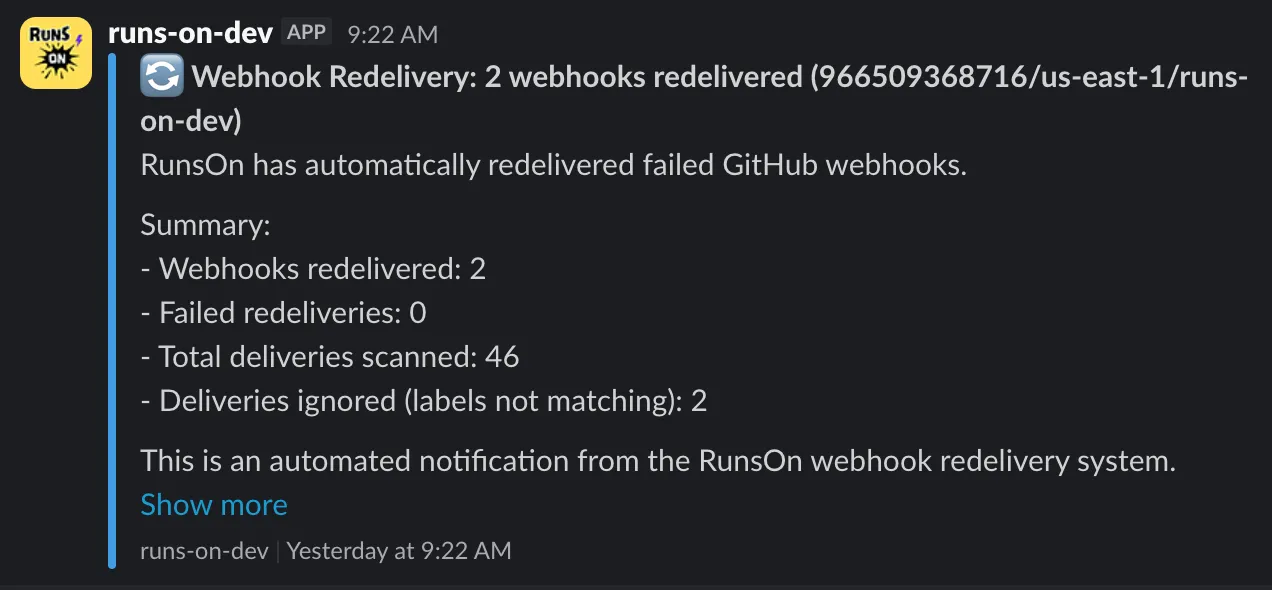
To also receive the same alerts in Slack, set the AlertTopicSlackWebhookUrl CloudFormation parameter to a Slack incoming webhook URL. Email and Slack can be enabled at the same time.
Confirm your SNS subscription#
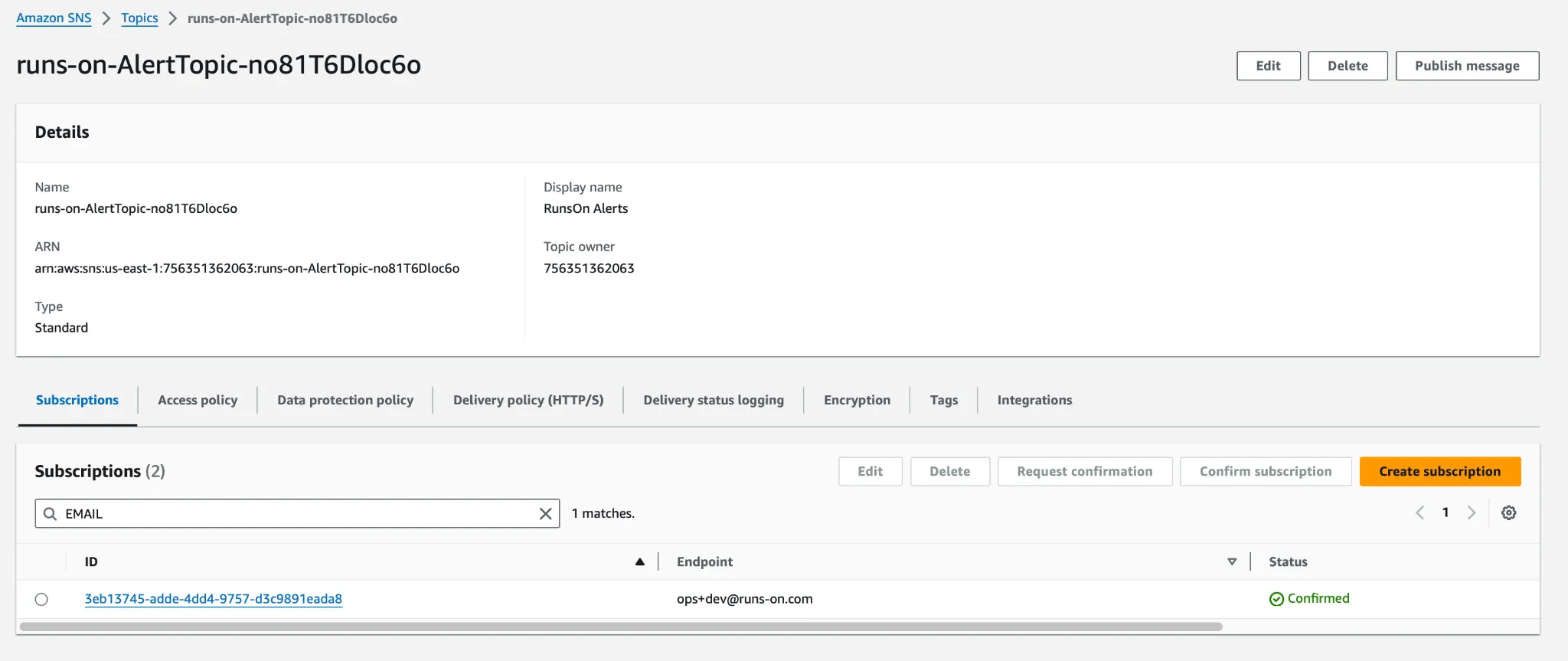
Alerts (and cost reports) are delivered through an SNS topic, and you’ll only receive them once you’ve confirmed the subscription AWS emailed you at installation time. If you’re not getting any alerts or cost reports, you most likely missed that confirmation.
To re-subscribe, open the RunsOn SNS alert topic and click “Create subscription”: